03. Creating Storage Structure
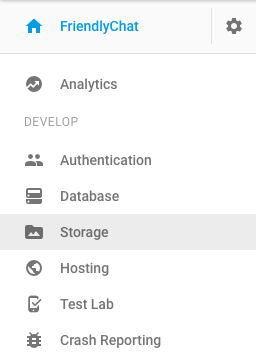
In the tab list on the left side of the FriendlyChat app page of the Firebase Console, find Storage and select it.
When you look at your storage in the Firebase Console, you’ll see that nothing has been added yet.
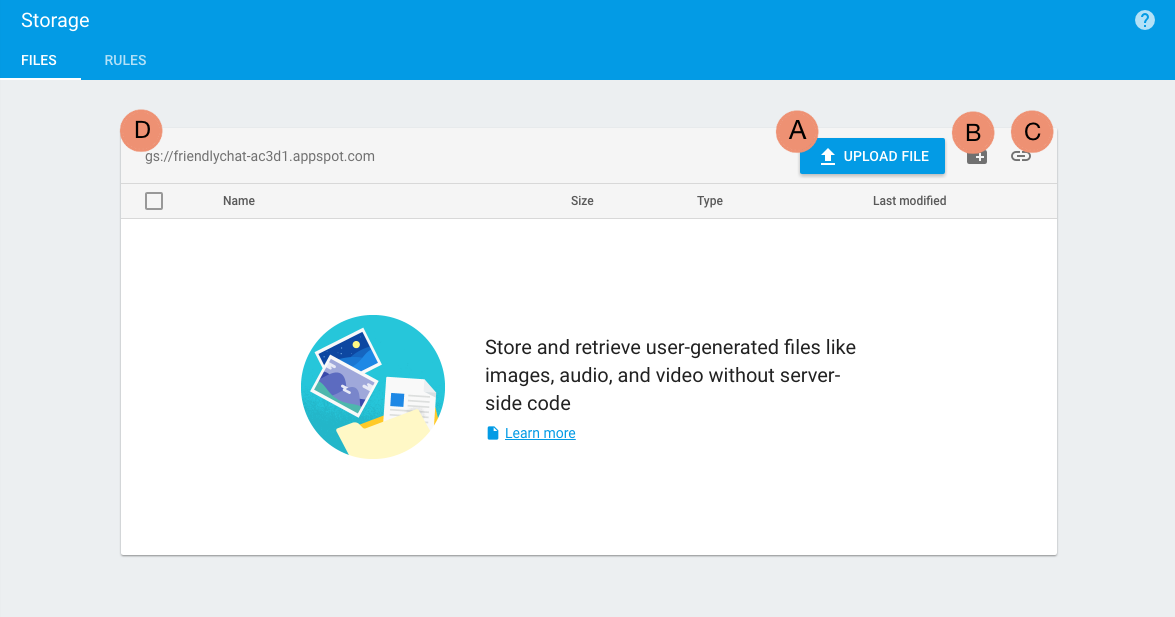
Let's take a look at the main features of this dashboard:
- A. Button to upload file to storage directly from console
- B. Add folders to organize data located in storage
- C. Copy the current folder url
- D. Address of your storage location.
As you can see, currently there is nothing in storage.
Create a Folder
Before continuing forward, create a folder in Firebase Storage called chat_photos.